

- Joined
- Dec 30, 2024
- Messages
- 410
- Reaction score
- 216
- Points
- 62
- Website
- blackhatpakistan.net
- Points
- 1,253
- USD
- 1,253
An evil twin is the oldest con in wireless, updated for 2026: your device sees a network with the right name, joins it because it has before, and everything you type goes to a laptop forty feet away. Coffee shops, airports, hotels, conference halls - anywhere a network name is public, a twin can wear it. Below: how the clone is built, the seven signs that separate a twin from the real access point, a lab build with hostapd and dnsmasq, how defenders catch it passively, and a six-question self-check. Post your sightings and lab results - best story gets pinned.
TL;DR - An evil twin is a rogue access point broadcasting the same SSID as a network you trust, usually paired with a deauth kick that forces your device off the real one so it grabs the twin. The password is never cracked: you hand over the session. The seven tells are checked below - certificate warnings, wrong gateway, signal that is somehow perfect, logins that fail once and succeed on retry, a captive portal on a network that never had one, unusual DNS behavior, and a channel mismatch against the real AP. Lab build: a spare USB adapter in monitor mode, hostapd carrying the cloned SSID, dnsmasq serving DHCP and DNS through a transparent proxy - twenty minutes on a Pi or any Linux box. Defense works in layers: pin the real BSSID, prefer cellular for logins, treat every captive portal as hostile, run VPN-on-connect for untrusted networks. Six-question score test at the end - zero is clean, four plus means you have already connected to something that was not what it claimed.
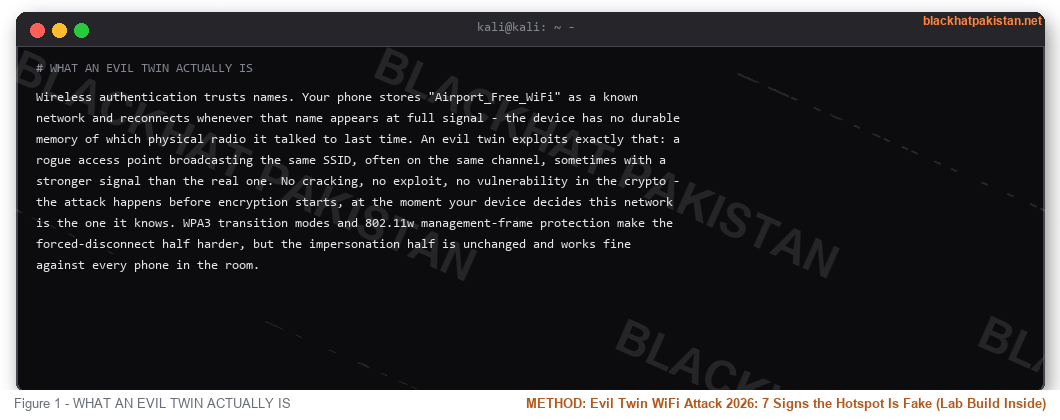
WHAT AN EVIL TWIN ACTUALLY IS
Wireless authentication trusts names. Your phone stores "Airport_Free_WiFi" as a known network and reconnects whenever that name appears at full signal - the device has no durable memory of which physical radio it talked to last time. An evil twin exploits exactly that: a rogue access point broadcasting the same SSID, often on the same channel, sometimes with a stronger signal than the real one. No cracking, no exploit, no vulnerability in the crypto - the attack happens before encryption starts, at the moment your device decides this network is the one it knows. WPA3 transition modes and 802.11w management-frame protection make the forced-disconnect half harder, but the impersonation half is unchanged and works fine against every phone in the room.
HOW THE ATTACK WORKS: STEP BY STEP
- Recon - the attacker walks the target area with airodump-ng and logs every SSID, BSSID, channel and security mode in range. A venue network with an open guest SSID is the ideal target: no password conversation required.
- Deauth kick - management frames telling your device the AP is saying goodbye. Without 802.11w (management frame protection) these frames are unauthenticated and every client obeys. One second of deauth and the device starts looking for home.
- Twin comes up - hostapd on a USB adapter in monitor mode broadcasts the cloned SSID, often on a stronger channel or with more transmit power than the venue AP. The device finds the loudest copy of the name it trusts and associates.
- Captive portal or passthrough - two flavors. The portal flavor shows a "login to accept terms" page harvesting email and password in the clear. The passthrough flavor proxies everything to the real internet with a packet capture running, which is worse: nothing looks wrong at all.
- Harvest - credentials from the portal, session cookies from the passthrough capture, tokens from any app that fell back to HTTP inside the tunnel. The twin does not need your password if it can replay your authenticated session later.
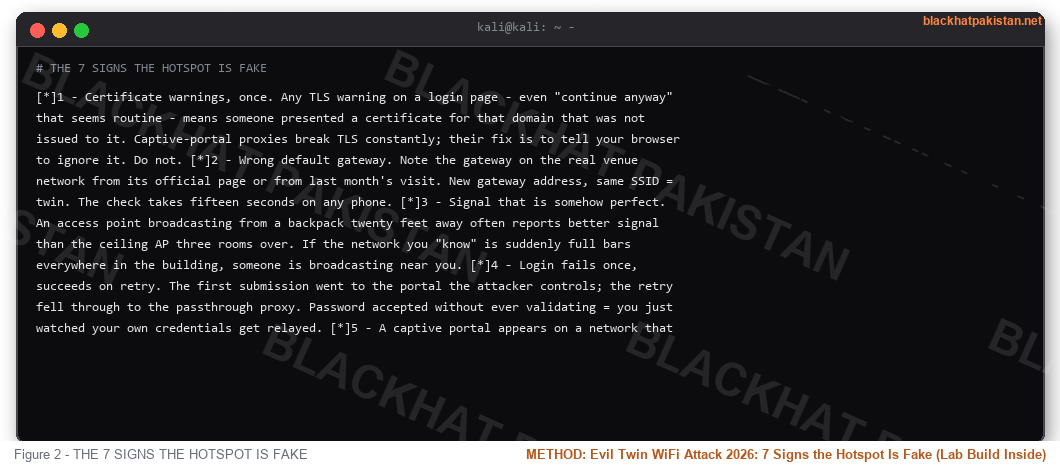
THE 7 SIGNS THE HOTSPOT IS FAKE
- 1 - Certificate warnings, once. Any TLS warning on a login page - even "continue anyway" that seems routine - means someone presented a certificate for that domain that was not issued to it. Captive-portal proxies break TLS constantly; their fix is to tell your browser to ignore it. Do not.
- 2 - Wrong default gateway. Note the gateway on the real venue network from its official page or from last month's visit. New gateway address, same SSID = twin. The check takes fifteen seconds on any phone.
- 3 - Signal that is somehow perfect. An access point broadcasting from a backpack twenty feet away often reports better signal than the ceiling AP three rooms over. If the network you "know" is suddenly full bars everywhere in the building, someone is broadcasting near you.
- 4 - Login fails once, succeeds on retry. The first submission went to the portal the attacker controls; the retry fell through to the passthrough proxy. Password accepted without ever validating = you just watched your own credentials get relayed.
- 5 - A captive portal appears on a network that never had one. Hotels and airports always advertise their portal. A login page on a network you have used bare for a year is an insertion, not a policy change.
- 6 - DNS does odd things. Pages load but one specific banking domain resolves slowly or throws a certificate error, then works on cellular. Selective DNS interception is the passthrough twin's tell.
- 7 - Channel and BSSID do not match what you remember. iw or a Wi-Fi analyzer showing the "same" network on a different channel with a different BSSID than last time - vendor APs keep BSSIDs stable for years. Print screens of the real one when you are somewhere trustworthy.
THE LAB: BUILD ONE ON A PI (TWENTY MINUTES)
Own lab only - a network you run, a channel you pay for. The build is four files: an adapter that supports monitor mode, hostapd wearing the SSID, dnsmasq handing out addresses, and a redirect rule that forces every client through your capture. Target network name in the config below is your own guest network for the exercise.
Code:
# /etc/hostapd/hostapd.conf - the twin's face

interface=wlan1

driver=nl80211

ssid=YourLabGuest

channel=6

hw_mode=g

auth_algs=1

wpa=0

# /etc/dnsmasq.conf - DHCP + DNS through your box

interface=wlan1

bind-interfaces

address=/#/192.168.4.1

dhcp-range=192.168.4.50,192.168.4.150,12h

# bring it up

sudo systemctl restart dnsmasq

sudo hostapd /etc/hostapd/hostapd.conf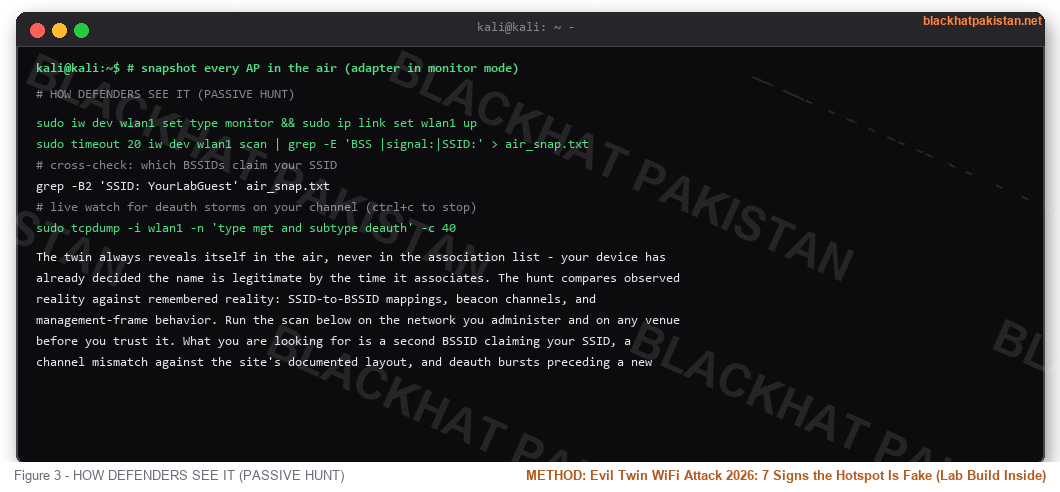
HOW DEFENDERS SEE IT (PASSIVE HUNT)
The twin always reveals itself in the air, never in the association list - your device has already decided the name is legitimate by the time it associates. The hunt compares observed reality against remembered reality: SSID-to-BSSID mappings, beacon channels, and management-frame behavior. Run the scan below on the network you administer and on any venue before you trust it. What you are looking for is a second BSSID claiming your SSID, a channel mismatch against the site's documented layout, and deauth bursts preceding a new association.
Code:
# snapshot every AP in the air (adapter in monitor mode)

sudo iw dev wlan1 set type monitor && sudo ip link set wlan1 up

sudo timeout 20 iw dev wlan1 scan | grep -E 'BSS |signal:|SSID:' > air_snap.txt

# cross-check: which BSSIDs claim your SSID

grep -B2 'SSID: YourLabGuest' air_snap.txt

# live watch for deauth storms on your channel (ctrl+c to stop)

sudo tcpdump -i wlan1 -n 'type mgt and subtype deauth' -c 40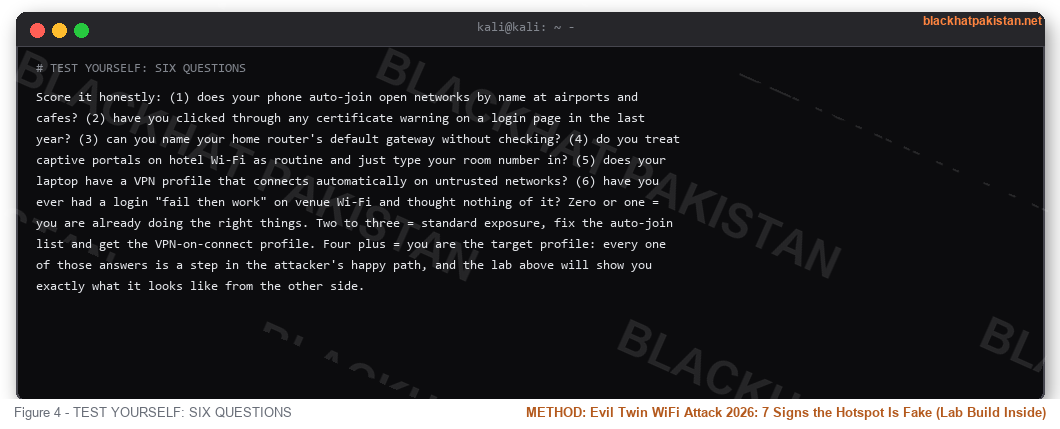
TEST YOURSELF: SIX QUESTIONS
Score it honestly: (1) does your phone auto-join open networks by name at airports and cafes? (2) have you clicked through any certificate warning on a login page in the last year? (3) can you name your home router's default gateway without checking? (4) do you treat captive portals on hotel Wi-Fi as routine and just type your room number in? (5) does your laptop have a VPN profile that connects automatically on untrusted networks? (6) have you ever had a login "fail then work" on venue Wi-Fi and thought nothing of it? Zero or one = you are already doing the right things. Two to three = standard exposure, fix the auto-join list and get the VPN-on-connect profile. Four plus = you are the target profile: every one of those answers is a step in the attacker's happy path, and the lab above will show you exactly what it looks like from the other side.
POST YOUR SIGHTING
Field reports welcome: venue type, what the twin looked like from your side, which of the seven signs you caught (or did not - the misses are the instructive ones). Lab builders - post your setup, adapter model and what your capture actually showed when a test phone associated. Best report gets pinned; the first fifteen posters with a real sighting or lab result get the passive-detection script matched to their adapter and distro.
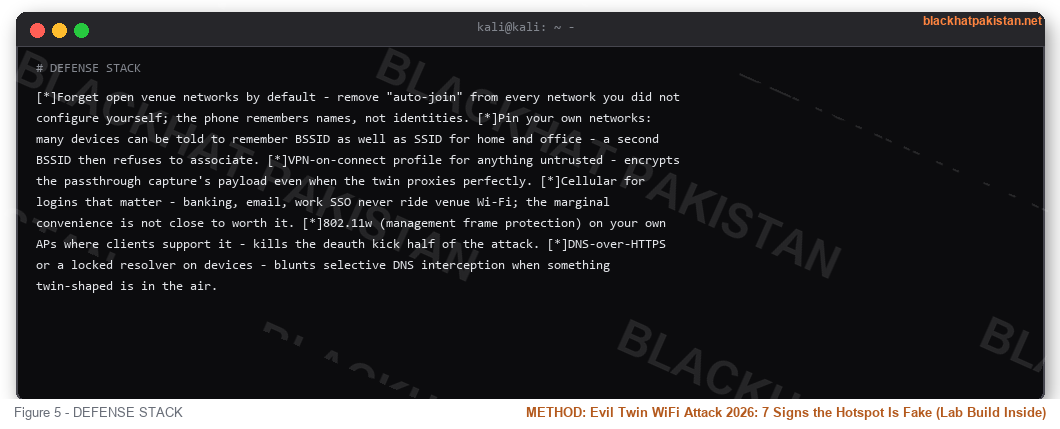
DEFENSE STACK
- Forget open venue networks by default - remove "auto-join" from every network you did not configure yourself; the phone remembers names, not identities.
- Pin your own networks: many devices can be told to remember BSSID as well as SSID for home and office - a second BSSID then refuses to associate.
- VPN-on-connect profile for anything untrusted - encrypts the passthrough capture's payload even when the twin proxies perfectly.
- Cellular for logins that matter - banking, email, work SSO never ride venue Wi-Fi; the marginal convenience is not close to worth it.
- 802.11w (management frame protection) on your own APs where clients support it - kills the deauth kick half of the attack.
- DNS-over-HTTPS or a locked resolver on devices - blunts selective DNS interception when something twin-shaped is in the air.
FAQ
- Q: Does WPA2 password protect me from evil twins?
A: Against the portal flavor, yes - a WPA2 network never shows an open login page. Against the passthrough flavor on an open guest SSID, no; and against a twin of an open network, the password conversation never happens at all.
- Q: Is this legal to test?
A: On your own lab and your own spectrum, building and using it is normal security work. Deauthing clients on a network you do not own is illegal in most jurisdictions - keep the lab at home.
- Q: Do phones fall for this in 2026?
A: Yes. Auto-join by SSID is still the default behavior on both major mobile platforms for remembered networks, and every venue network you have ever joined is remembered.
- Q: What hardware is needed?
A: A USB adapter with monitor-mode support (the usual chipsets - check compatibility lists), any Linux box or Pi, twenty minutes. Under fifty dollars total for the lab.
- Q: Can the twin see HTTPS traffic?
A: Not the content - TLS holds. It sees domains, timing, and any HTTP that leaks in; and it can present a fake login page for anything served over plain HTTP or accepted-through-warning HTTPS. That is why sign number one is the certificate warning.
- Q: What is the fastest mitigation for a normal user?
A: Turn off auto-join for everything you did not configure, and use cellular for logins. Those two remove the majority of the risk without any new tooling.
RELATED
How to Spot Phishing Emails 2026: 15 Red Flags and Real Samples
IP Logger Guide 2026: What a Grabify Link Sees When You Click (Test It Yourself)
Smishing 2026: Spot the Fake Text - 10 Real Messages, Score Yourself
What Is Malware 2026: 9 Types Ranked by Damage - Which One Hit You?


