

- Joined
- Dec 30, 2024
- Messages
- 410
- Reaction score
- 216
- Points
- 62
- Website
- blackhatpakistan.net
- Points
- 1,253
- USD
- 1,253
A SIM swap attack is account takeover routed through your phone number: the attacker talks a carrier employee into reassigning your line to a card in their hand, every SMS verification code lands on their device, and your email, bank and crypto accounts follow the codes down. NIST deprecated SMS-based two-factor back in 2016 for exactly this reason, the attack only needs one gullible retail rep, and the entire operation runs from a burner phone with a script.
TL;DR - Swappers combine data-breach info (name, last four, account number) with a phone pretext: they call or walk into a carrier store claiming to be you with a dead phone, and a rep who skips verification pins your line to their SIM. Eight warning signs - sudden full signal loss, failed SMS deliveries, surprise "your SIM was updated" emails, calls jumping to voicemail you never set. The 60-second test below checks your exposure, the attacker's actual script is quoted so you can recognize the pretext from the carrier's side, and lockdown is three steps: port-freeze + account PIN at the carrier, authenticator app or security key instead of SMS everywhere it matters, and email recovery hardened first because email is the crown jewel. First twenty posters of their carrier story get a personal exposure audit reply - carriers, pretext used, and where the verification failed.
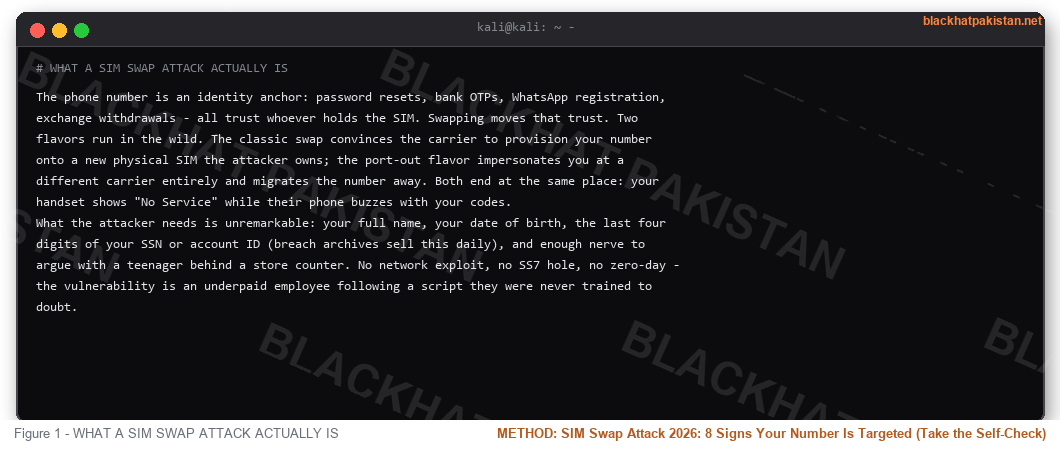
WHAT A SIM SWAP ATTACK ACTUALLY IS
The phone number is an identity anchor: password resets, bank OTPs, WhatsApp registration, exchange withdrawals - all trust whoever holds the SIM. Swapping moves that trust. Two flavors run in the wild. The classic swap convinces the carrier to provision your number onto a new physical SIM the attacker owns; the port-out flavor impersonates you at a different carrier entirely and migrates the number away. Both end at the same place: your handset shows "No Service" while their phone buzzes with your codes.
What the attacker needs is unremarkable: your full name, your date of birth, the last four digits of your SSN or account ID (breach archives sell this daily), and enough nerve to argue with a teenager behind a store counter. No network exploit, no SS7 hole, no zero-day - the vulnerability is an underpaid employee following a script they were never trained to doubt.
WHY CARRIERS STILL FALL FOR IT
Store reps verify with exactly the data the breach market already holds - name, address, last four, sometimes a security question whose answer lives on your public profiles. The attacker walks in pre-armed. Meanwhile the rep's metrics reward fast resolution: a "customer" with a dead phone, a flight to catch, and visible frustration is a time-pressure weapon, and the rep who locks the account with extra verification risks a survey score for being difficult. The industry added safeguards - retail PINs, in-store ID checks, outbound confirmation texts - but enforcement varies by carrier, by store, by shift. Social engineering survives because the humans are the cheapest layer to attack and the hardest to patch.
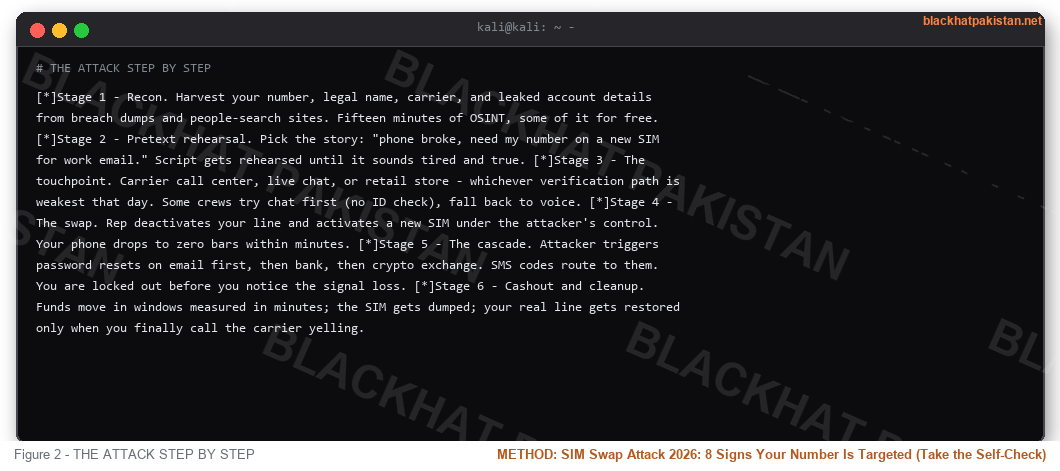
THE ATTACK STEP BY STEP
- Stage 1 - Recon. Harvest your number, legal name, carrier, and leaked account details from breach dumps and people-search sites. Fifteen minutes of OSINT, some of it for free.
- Stage 2 - Pretext rehearsal. Pick the story: "phone broke, need my number on a new SIM for work email." Script gets rehearsed until it sounds tired and true.
- Stage 3 - The touchpoint. Carrier call center, live chat, or retail store - whichever verification path is weakest that day. Some crews try chat first (no ID check), fall back to voice.
- Stage 4 - The swap. Rep deactivates your line and activates a new SIM under the attacker's control. Your phone drops to zero bars within minutes.
- Stage 5 - The cascade. Attacker triggers password resets on email first, then bank, then crypto exchange. SMS codes route to them. You are locked out before you notice the signal loss.
- Stage 6 - Cashout and cleanup. Funds move in windows measured in minutes; the SIM gets dumped; your real line gets restored only when you finally call the carrier yelling.
8 SIGNS YOUR NUMBER IS ALREADY TARGETED
Score yourself: a sign you have experienced in the last year is one point, and anything past three means you call your carrier today and set the PIN - not tomorrow, not after work.
- 1 - Signal drops to "No Service" for ten minutes, then returns on its own without any carrier maintenance notice.
- 2 - SMS and calls bounce: friends say your number went straight to voicemail you never configured.
- 3 - Carrier email or app notification about a SIM change, device activation, or number transfer you did not make - arriving after the fact.
- 4 - Password-reset emails for accounts you did not request, landing while your phone is quiet.
- 5 - Two-factor codes stop arriving entirely because they are being delivered to another device.
- 6 - Unexpected WhatsApp or Telegram logout demanding re-registration with a code you never receive.
- 7 - Account lockout warnings: "we noticed a login from a new device" for email or banking.
- 8 - A stranger at your carrier's store knows your last four digits and calls the situation "already handled."
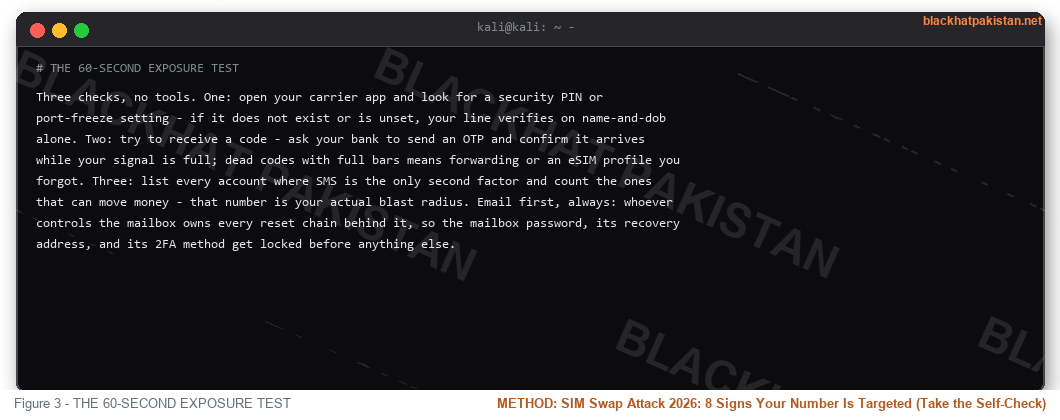
THE 60-SECOND EXPOSURE TEST
Three checks, no tools. One: open your carrier app and look for a security PIN or port-freeze setting - if it does not exist or is unset, your line verifies on name-and-dob alone. Two: try to receive a code - ask your bank to send an OTP and confirm it arrives while your signal is full; dead codes with full bars means forwarding or an eSIM profile you forgot. Three: list every account where SMS is the only second factor and count the ones that can move money - that number is your actual blast radius. Email first, always: whoever controls the mailbox owns every reset chain behind it, so the mailbox password, its recovery address, and its 2FA method get locked before anything else.
YOUR ATTACKER'S SCRIPT
This is the shape of the call a carrier rep hears - recognisable once you have seen it from the customer side:
Code:
REP:  Carrier support, can I verify your name?

ATT:  Yeah - [your full name], DOB [your DOB]. Account's under

      my name, I bought it last year. Line's [your number].

REP:  What seems to be the issue today?

ATT:  Phone got smashed this morning, screen's done. I need my

      number on this replacement SIM before my work email resets -

      I've got a client call in twenty, can you just port it over

      to the new device? [frustration ramps, timeline pressure]

REP:  I do need to verify the device - last four of the card

      on file?  ATT:  [reads it off the breach dump]. See? Same

      me. Can we hurry this up?
The pressure is load-bearing. Every second of the script exists to stop the rep from doing the one thing that stops the attack: pausing to call the number on file back - to you.
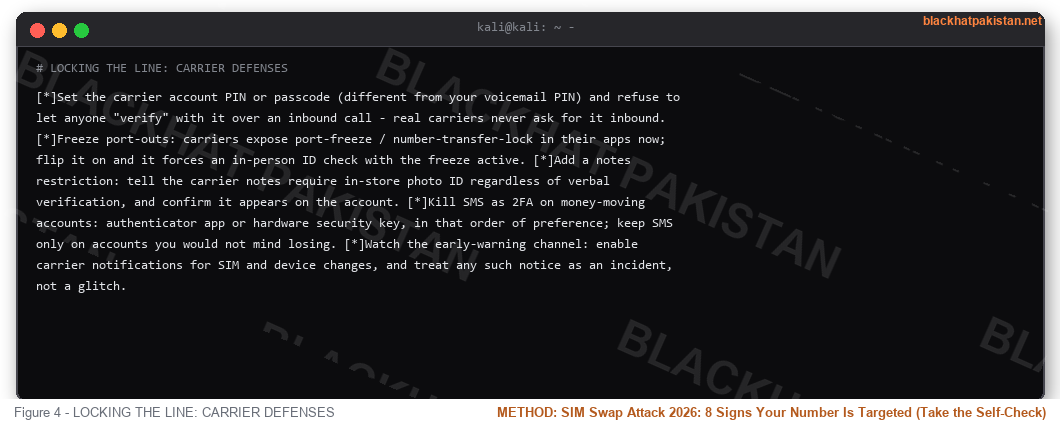
LOCKING THE LINE: CARRIER DEFENSES
- Set the carrier account PIN or passcode (different from your voicemail PIN) and refuse to let anyone "verify" with it over an inbound call - real carriers never ask for it inbound.
- Freeze port-outs: carriers expose port-freeze / number-transfer-lock in their apps now; flip it on and it forces an in-person ID check with the freeze active.
- Add a notes restriction: tell the carrier notes require in-store photo ID regardless of verbal verification, and confirm it appears on the account.
- Kill SMS as 2FA on money-moving accounts: authenticator app or hardware security key, in that order of preference; keep SMS only on accounts you would not mind losing.
- Watch the early-warning channel: enable carrier notifications for SIM and device changes, and treat any such notice as an incident, not a glitch.
RECOVERY PLAYBOOK: FIRST 24 HOURS
The clock decides the damage: crypto and wire transfers settle in minutes, email access compounds hourly. Sequence matters. Call the carrier from any working phone line - landline or a friend's handset - and demand a line freeze plus SIM re-provision under a new PIN; once your signal returns, immediately rotate the email password from a clean device before touching anything else, because the attacker's reset access dies the moment the mailbox credential changes. Then work outward: bank and card fraud flags (most have 24-hour dispute windows for unauthorized OTP transactions), exchange withdrawal locks via their support chat from a desktop session, and finally the long tail - social accounts, delivery apps, anything sharing the phone number as a login. Preserve evidence: screenshot timestamps of outage, reset emails, and carrier tickets while they exist; carriers purge those fast.
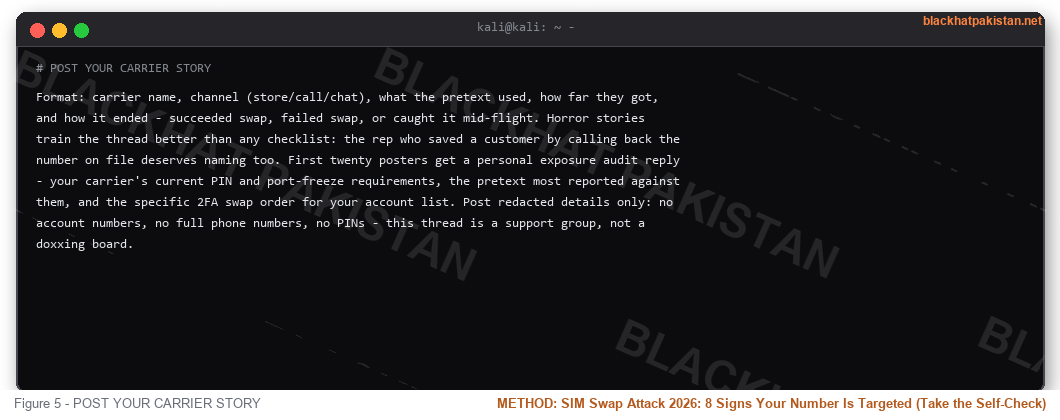
POST YOUR CARRIER STORY
Format: carrier name, channel (store/call/chat), what the pretext used, how far they got, and how it ended - succeeded swap, failed swap, or caught it mid-flight. Horror stories train the thread better than any checklist: the rep who saved a customer by calling back the number on file deserves naming too. First twenty posters get a personal exposure audit reply - your carrier's current PIN and port-freeze requirements, the pretext most reported against them, and the specific 2FA swap order for your account list. Post redacted details only: no account numbers, no full phone numbers, no PINs - this thread is a support group, not a doxxing board.
FAQ
- Q: Is a SIM swap attack legal to research or discuss?
A: Understanding the mechanism, signs and defenses is standard security hygiene - every carrier and bank publishes guidance on it. Executing one against a line you do not own is identity theft and wire fraud; the script above exists so reps and customers can recognize it, not rehearse it.
- Q: Does an eSIM make swapping harder or easier?
A: Both. eSIM cannot be physically swapped, so attackers shift entirely to carrier-side provisioning - some providers activated eSIMs over the phone with weak checks. Ask your carrier whether eSIM install requires the account PIN or in-store ID; require the strictest option.
- Q: Will an authenticator app really stop this?
A: It removes SMS from the critical path, so the swapped line stops yielding codes for those accounts. Email remains the hinge: if the mailbox still resets via SMS, the attacker walks around your authenticators through password recovery. Lock email first, on an authenticator or key.
- Q: What is a port-freeze and does my carrier have it?
A: A freeze that blocks any number transfer until you lift it with identity verification - most major carriers expose it in-app now under security or line settings. It does not stop a same-carrier SIM re-issue, which is why the account PIN covers the other half.
- Q: What should I do right now, today, if I only do one thing?
A: Set the carrier account PIN and enable port-freeze - both live in the carrier app, take two minutes, and close the human-verification gap the entire attack depends on.
- Q: Are shortcodes and bank OTPs still safe after the swap?
A: During an active swap they are compromised by definition - the codes go to the attacker's handset. That is why banks increasingly flag OTP logins from new devices with cooling-off periods; if yours does not, treat SMS banking as your weakest link and ask about their app-based token instead.
RELATED
Vishing Attacks 2026: 15 Red Flags, Real Scripts and Defense
Smishing 2026: Spot the Fake Text - 10 Real Messages, Score Yourself
Password Leak Check
IP Logger Guide 2026: What a Grabify Link Sees When You Click
Last edited:


