

- Joined
- Dec 30, 2024
- Messages
- 410
- Reaction score
- 216
- Points
- 62
- Website
- blackhatpakistan.net
- Points
- 1,253
- USD
- 1,253
Cybersecurity Awareness Month runs every October since 2004, and IBM's breach research puts average savings from security-awareness training at roughly a quarter million dollars per incident - but only when the training changes what people actually do, which most annual checkbox sessions do not. This is not another list of tips you will forget by Friday: it is a seven-day challenge with one micro-task a day, a scored self-test with hidden answers, and this thread as your scoreboard.
TL;DR - Seven days, one small task each: Day 1 password autopsy with the free k-anonymity range API, Day 2 MFA audit on your top three accounts, Day 3 phishing inbox test, Day 4 update and device sweep, Day 5 backup restore drill, Day 6 vishing self-test against the 15 red flags, Day 7 family firewall - teach one person. Each day ends with a result worth posting below: how many reused passwords, which three accounts got MFA, which quiz question fooled you. Comment your Day 1 score now so your future self cannot quietly quit.
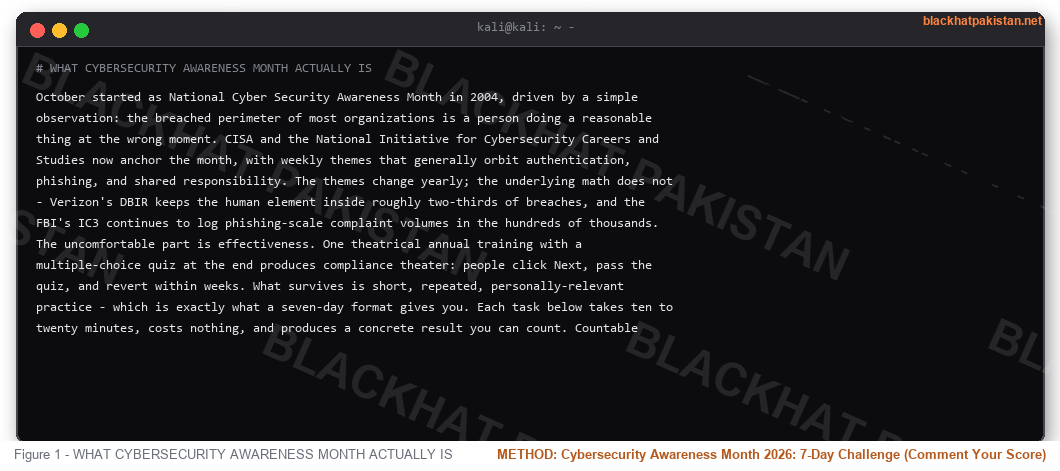
WHAT CYBERSECURITY AWARENESS MONTH ACTUALLY IS
October started as National Cyber Security Awareness Month in 2004, driven by a simple observation: the breached perimeter of most organizations is a person doing a reasonable thing at the wrong moment. CISA and the National Initiative for Cybersecurity Careers and Studies now anchor the month, with weekly themes that generally orbit authentication, phishing, and shared responsibility. The themes change yearly; the underlying math does not - Verizon's DBIR keeps the human element inside roughly two-thirds of breaches, and the FBI's IC3 continues to log phishing-scale complaint volumes in the hundreds of thousands.
The uncomfortable part is effectiveness. One theatrical annual training with a multiple-choice quiz at the end produces compliance theater: people click Next, pass the quiz, and revert within weeks. What survives is short, repeated, personally-relevant practice - which is exactly what a seven-day format gives you. Each task below takes ten to twenty minutes, costs nothing, and produces a concrete result you can count. Countable results get posted; posted results get replied to; that is the entire engagement design of this thread.
WHY MOST AWARENESS PROGRAMS FAIL (AND THE FIX)
Three failure modes repeat everywhere. Fear without agency: plenty of horror stories, no specific next action, so anxiety goes up and behavior stays flat. Relevance gap: the training discusses an abstract attacker while the employee's real risk is the password they reused on three sites last year. Zero feedback loop: nobody measures whether anything changed, so nothing improves. The fix inverts each one - one specific action per day, tied to your actual accounts, with a number attached that you can post as a reply. Accountability through a public scoreboard is older than cybersecurity and still the most reliable behavior tool available.
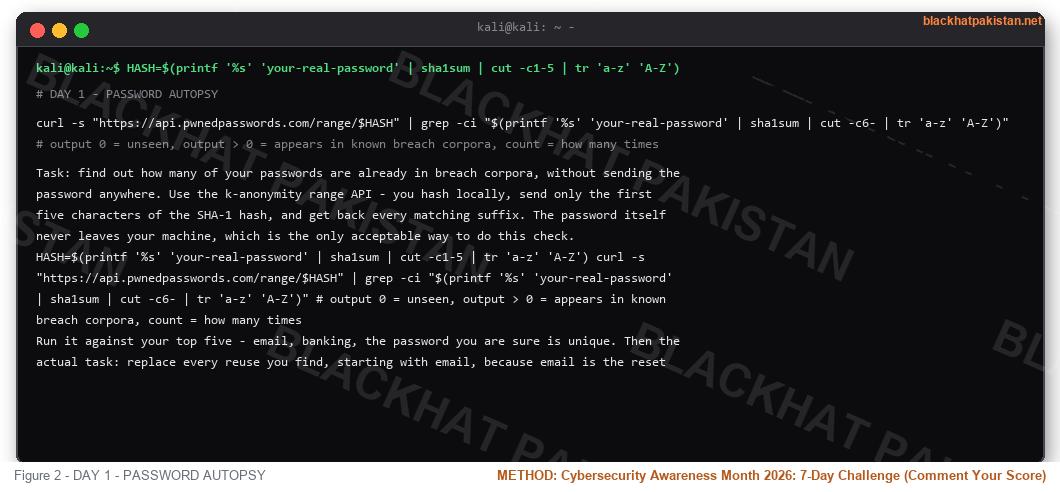
DAY 1 - PASSWORD AUTOPSY
Task: find out how many of your passwords are already in breach corpora, without sending the password anywhere. Use the k-anonymity range API - you hash locally, send only the first five characters of the SHA-1 hash, and get back every matching suffix. The password itself never leaves your machine, which is the only acceptable way to do this check.
Code:
HASH=$(printf '%s' 'your-real-password' | sha1sum | cut -c1-5 | tr 'a-z' 'A-Z')

curl -s "https://api.pwnedpasswords.com/range/$HASH" | grep -ci "$(printf '%s' 'your-real-password' | sha1sum | cut -c6- | tr 'a-z' 'A-Z')"

# output 0 = unseen, output > 0 = appears in known breach corpora, count = how many times
Run it against your top five - email, banking, the password you are sure is unique. Then the actual task: replace every reuse you find, starting with email, because email is the reset button for everything else. Post your score below - "3 of 5 reused" is the Day 1 result format, and the count of reused passwords is the number that predicts your real risk better than any phishing simulation ever generated.
DAY 2 - MFA AUDIT ON YOUR TOP THREE
Task: pick the three accounts that would hurt most if taken over - email first, then banking or the phone carrier, then your primary social or work account. For each one: open security settings, find multi-factor authentication, and turn it on with an authenticator app or a security key rather than SMS where the option exists. SMS beats nothing but is beatable by SIM-swap procedures; app-based codes or passkeys close that door.
While you are in there: review which devices and sessions are logged in, and revoke anything you do not recognize. That review catches compromise that already happened, which is a different and more valuable discovery than preventing one that never will. Post which three accounts you covered and which MFA method each one got - method names in replies help the next reader pick between the options their own bank offers.
DAY 3 - PHISHING INBOX TEST
Task: open your spam folder right now and pull the three most convincing messages you can find. For each one, write down the single detail that gives it away - sender domain, urgency clock, mismatched link, generic greeting, request for credentials - before checking yourself against the fifteen red flags in our vishing guide, which transfer directly to email. The skill under test is not spotting obvious garbage; it is spotting the polished one, the message from a brand you use, with a real logo and a working domain that differs from the official one by two characters.
Scoring: one point per message you correctly called before verifying, minus one point for any spam-folder message you would have clicked in your inbox. Zero or negative means the arms race is currently winning, which is data, not shame. Post your three sender domains and which one was closest to fooling you - the near-miss stories are the replies everyone else learns from.
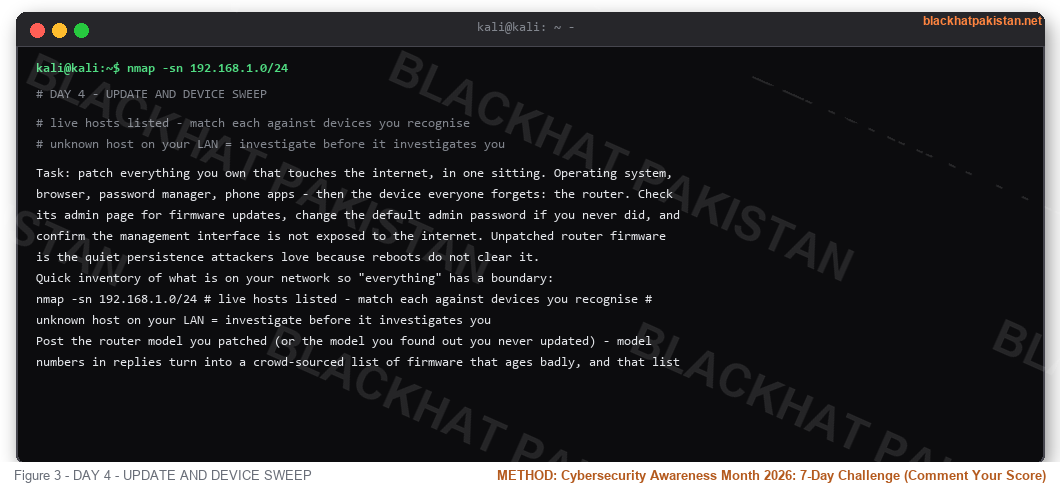
DAY 4 - UPDATE AND DEVICE SWEEP
Task: patch everything you own that touches the internet, in one sitting. Operating system, browser, password manager, phone apps - then the device everyone forgets: the router. Check its admin page for firmware updates, change the default admin password if you never did, and confirm the management interface is not exposed to the internet. Unpatched router firmware is the quiet persistence attackers love because reboots do not clear it.
Quick inventory of what is on your network so "everything" has a boundary:
Code:
nmap -sn 192.168.1.0/24

# live hosts listed - match each against devices you recognise

# unknown host on your LAN = investigate before it investigates you
Post the router model you patched (or the model you found out you never updated) - model numbers in replies turn into a crowd-sourced list of firmware that ages badly, and that list is more useful than another generic "update your software" slide.
DAY 5 - BACKUP RESTORE DRILL
Task: backups you have never restored are rumors, not backups. If you have none: enable your OS built-in backup or a cloud sync today - the 3-2-1 shape means three copies, two media types, one offsite. If you have one: restore a single real file from it right now and confirm the content is the version you think it is. Ransomware's entire business model dies on a verified restore point.
Post what you backed up and how long the restore took - the time number is the one people underestimate, and reading three replies saying "four minutes" changes more behavior than any statistic.
DAY 6 - VISHING SELF-TEST
Task: open our vishing guide's fifteen red flags, write down your honest pass rate for each - would this one have worked on you, yes or no - and count your vulnerabilities. The flags people fail most often in self-report are callback resistance and MFA-code requests, which is exactly what live operators exploit first. Score it, post the count, and name the flag that got you: "I would have read the code" is the single most useful sentence anyone can write in this thread, because it is the sentence that makes the next reader immune to the same move.
DAY 7 - FAMILY FIREWALL
Task: take everything from Days 1 through 6 and transfer one piece of it to one person - a parent's password reuse, a partner's missing MFA, a grandparent's spam-call reflex. Teach the callback rule specifically: hang up, call the number on the card. Awareness compounds through households better than through any corporate portal, and the person you teach will ask you a question you do not know - which is the real endgame of Awareness Month: finding the gap before someone else does.
Post who you taught and what question they asked. The questions are the best content in this thread and they are yours, not ours.
THE 5-QUESTION SELF-TEST (SCORE IT, COMMENT IT)
Answer before checking, then post your score out of 5 at the bottom of the thread:
- 1. You receive a courier "failed delivery" text with a tracking link. First move?
- 2. Your bank calls about fraud and asks you to confirm the one-time code they just sent. Response?
- 3. A password appears 4,000 times in a range-API query. Action?
- 4. Your phoneOS offers a passkey instead of a password. Take it or skip it?
- 5. A "your account closes in 24 hours" email arrives from a domain you almost recognize. Verify how?
- 1. Do not tap. Open the courier's official app or type the known URL yourself - delivery scams peak every October alongside Awareness Month itself.
- 2. Hang up and call the number on the back of your card. Reading the code aloud approves a login the caller is staging - the script we tore down beat by beat.
- 3. Change it immediately wherever it appears, starting with email - 4,000 sightings means it is in cracking dictionaries, not just breach lists.
- 4. Take it - passkeys are phishing-resistant by design because there is no shared secret to type, and nothing for a caller to ask you for.
- 5. Type the company's official URL yourself or use the app; check the full domain, not the display name - subdomain and hyphen tricks beat most readers.
- 2. Hang up and call the number on the back of your card. Reading the code aloud approves a login the caller is staging - the script we tore down beat by beat.
- 3. Change it immediately wherever it appears, starting with email - 4,000 sightings means it is in cracking dictionaries, not just breach lists.
- 4. Take it - passkeys are phishing-resistant by design because there is no shared secret to type, and nothing for a caller to ask you for.
- 5. Type the company's official URL yourself or use the app; check the full domain, not the display name - subdomain and hyphen tricks beat most readers.
FAQ
- Q: When is Cybersecurity Awareness Month?
A: Every October, running since 2004 - originally National Cyber Security Awareness Month, now anchored by CISA and NICE with weekly themes you can fold into the seven days above.
- Q: Does security awareness training actually work?
A: When it is short, repeated, and measured, yes - IBM's breach research attributes roughly a quarter million dollars in average savings to trained organizations. One annual checkbox session produces compliance theater and little else.
- Q: How long does this challenge take?
A: Ten to twenty minutes a day for seven days, zero cost, all free tools - the longest day is Day 5 if you have never restored a backup before.
- Q: What is the single highest-value task if I only do one?
A: Day 1, if you reuse passwords; Day 2, if you already do not. Reused credentials plus no MFA is the compromise path behind most of the complaint volume the FBI logs each year.
- Q: SMS-based MFA - keep it or replace it?
A: Keep it if it is all you have - it blocks the bulk of automated attacks. Move to an authenticator app or passkey when offered; SIM-swap procedures defeat SMS, and carriers' identity checks are the weak link.
- Q: What do I do after this week ends?
A: Repeat Days 1, 2, and 6 quarterly, keep the backup drill semiannual, and bring one new person in each October. Awareness is a maintenance habit, not a month.
THREAD SCOREBOARD - POST YOURS
Reply format, one line: Day 1 reuse count - Day 2 MFA trio - Day 3 quiz score - Day 4 router model - Day 5 restore time - Day 6 red-flag count - Day 7 who you taught. First ten posters get their results answered with specific next steps from us, and the scoreboard stays open all month - the thread with the most posted scores becomes next year's baseline, which is the only metric Awareness Month ever needed.
RELATED
Vishing Attacks 2026: 15 Red Flags, Real Scripts and Defense
How to Spot Phishing Emails 2026
Password Leak Check
What Is a Data Breach 2026


